
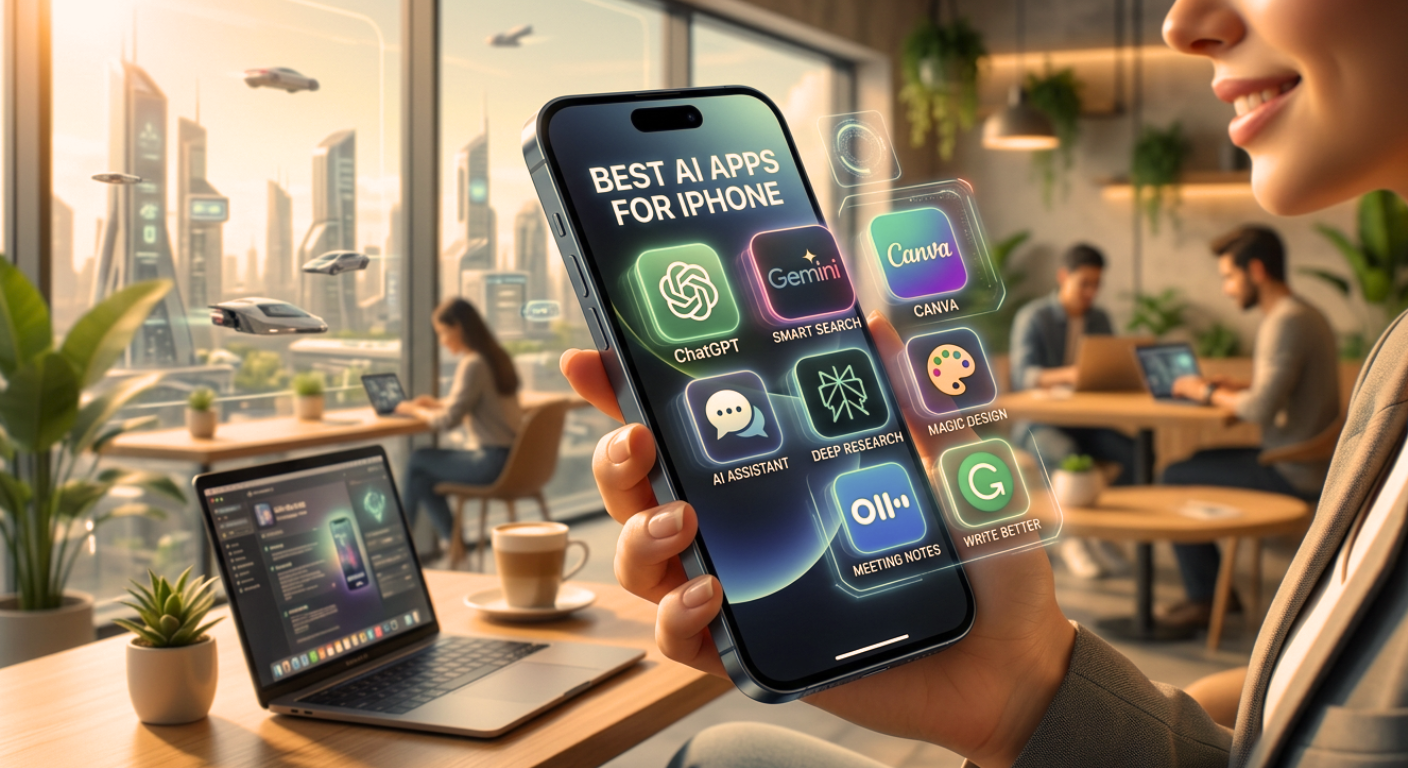
Best AI Apps for iPhone -There was a time when a phone served no purpose other than making calls, however, in today’s world, a phone is no longer just a Smartphone thanks to the power of Artificial Intelligence (AI), and it has evolved into a ‘supercomputer.’ Today, AI apps have become so advanced that they can understand everything from your manner of speaking to your specific work habits. Whether you are a student, a working professional, or a content creator, AI apps not only simplify your tasks but can also boost your productivity tenfold. If you are on the lookout for the best apps for your iPhone, this list is just for you.
1.ChatGPT (OpenAI)
ChatGPT remains the most popular name in the world of AI today. Its interface on the iPhone along with its integration with Siri makes it even more exceptional.
Key Features:
Advanced Voice Mode: You can converse with it just like a human, without needing to type.
GPT-5.2 Model: This is the most accurate and fastest model to date, capable of answering even complex questions in mere seconds.
Image Generation: Powered by DALL-E 3, you can generate images simply by providing a text prompt.
Pros: Features a very user-friendly interface and offers multi-language support.
Cons: The free version imposes a message limit, and subscription reminders tend to pop up frequently after a period of usage.
Pricing: Basic version is free (the basic version is sufficient for handling most tasks comfortably); Plus Subscription is approximately $20/month.
2.Google Gemini
If you use Gmail, Google Docs, and Drive, Gemini is the best choice for you. It is an AI developed by Google.
Key Features:
Google Workspace Integration: It can extract information from your emails and summarize it.
Gemini 3.1 Flash: This app delivers very fast responses and includes a ‘Deep Research’ feature, which makes it even more intelligent.
Multimodal: You can take a photo and ask questions about it.
Pros: Excellent integration with other Google apps.
Cons: Some users have reservations regarding privacy.
Pricing: Free; approximately $19.99/month for Gemini Advanced.
3.Perplexity AI
Perplexity is not merely a chatbot, but an AI search engine that provides you with direct answers along with their ‘sources.’
Key Features:
Citations: Every answer provided is accompanied by a link indicating its source.
Pro Search: It asks you follow-up questions to gain a deeper understanding of your query.
Pros: Ad-free and accurate information.
Cons: Not as effective as ChatGPT for creative writing tasks.
Pricing: Free version available approximately $20/month for the Pro version.
4.Claude (Anthropic)
Claude is renowned for its ‘ethics’ and ‘human-like’ conversational style. Its writing feels remarkably natural.
Key Features:
Large Context Window: You can upload an entire book or a lengthy PDF and have it analyzed.
Claude 4.6 Sonnet: It specializes in coding and understanding complex data.
Pros: A highly secure AI that makes very few errors.
Cons: The message limit in the free version is quite low.
Pricing: Free; Pro version is approximately $20/month.
5.Canva
By integrating AI with design, Canva has made the process so simple that anyone can effortlessly create professional-quality posts.
Key Features:
Magic Media: Simply type a prompt, and an image or short video is generated instantly.
Magic Edit & Erase: Removing or adding objects to photos is now just a single tap away.
Pros: Excellent for social media creators.
Cons: A ‘Pro’ subscription is required to access high-end features.
Pricing: Free version available; Pro starts at approximately $13/month.
6.Otter.ai
Whether you are a student or work in an office, Otter will make your life easier.
Key Features:
Live Transcription: It converts meetings or lectures into text in real-time as you listen.
AI Summary: It generates a summary of the entire meeting and emails it to you.
Pros: Eliminates the hassle of taking notes.
Cons: Accuracy decreases in noisy environments.
Pricing: Free (300 minutes/month); Pro plan starts at approximately $10/month.
7.Grammarly
Grammarly no longer just checks for spelling errors; with the help of AI, it can now rewrite entire paragraphs for you.
Key Features:
Tone Detector: It identifies whether your message sounds angry or polite.
Generative AI: It can even draft email replies for you.
Pros: Syncs seamlessly with the iPhone keyboard.
Cons: Premium features are somewhat expensive.
Pricing: Free version available, Premium starts at approximately $12/month.
8.Lensa AI
Lensa pioneered AI photo editing with its ‘Magic Avatars’ feature, and today, it has become even more advanced.
Key Features:
AI Retouching: Removes facial blemishes and corrects lighting.
Background Change: Instantly replaces the background with any setting with just a single click.
Pros: Extremely easy to use.
Cons: Most of the best features require payment.
Pricing: Paid subscriptions start at approximately $5/month, including a free trial.
9.Character.ai
If you are feeling bored or wish to seek advice from a historical figure, this app offers a highly entertaining experience.
Key Features: It features millions of AI characters you can converse with ranging from historical figures like Albert Einstein to various gaming characters.
Pros: Highly engaging and creative.
Cons: Intended solely for entertainment purposes; not suitable for serious professional tasks.
Pricing: Free; $9.99/month for ‘c.ai+’.
10.Motion
This app is designed for individuals with busy schedules. It utilizes AI to intelligently manage your calendar and tasks.
Key Features: If you are unable to complete a task on time, the app automatically reschedules your entire daily itinerary to accommodate it.
Pros: Significantly boosts productivity.
Cons: No free version is available (only a trial).
Pricing: Approximately $49/month.
There are some excellent AI apps and features designed exclusively for iPhone iOS that are not available on Android or Windows. These apps take full advantage of Apple’s hardware and Apple Intelligence.
Apple Intelligence (In-built AI Features)
This is not a standalone app; rather, this AI comes built-in with the iPhone 15 Pro and subsequent models. It will never be available on Android.
Writing Tools: You can rewrite, proofread, or summarize text within any app (Notes, Mail, Messages).
Clean Up in Photos: Use AI to remove unwanted objects from the background of your photos—this runs on Apple’s proprietary Neural Engine.
Genmoji & Image Playground: Create custom emojis or images simply by describing them—a feature integrated directly into the keyboard.
FitnessAI (iOS Exclusive)
This app is designed specifically for iPhone and Apple Watch users.
What it is: It utilizes AI to generate personalized gym workout plans for you.
Key Feature: By analyzing your past workout data, it recommends the optimal weight you should lift during your next session. It operates with high precision by syncing seamlessly with the Apple Health app.
Halide Mark II (Zero AI & Smart RAW)
Although it markets itself as “Zero AI,” it leverages the iPhone’s Neural Engine to capture photos that rival those taken with a professional camera.
Key Feature: Instead of the “over-processed” look often seen on Android devices, it delivers natural-looking photos. It is able to utilize 100% of the iPhone’s sensor capabilities a feat possible only on iOS.
Endel: Focus & Sleep (Best on iOS)
While versions of this app exist on other platforms, its most advanced feature “System-wide Integration” is available exclusively on the iPhone.
What it is: It generates AI-driven sounds capes tailored to your iPhone’s health data (such as heart rate and movement) and current weather conditions to help you focus.
Key Feature: Working in tandem with Apple Health, it dynamically adjusts the audio environment to align with your body’s specific needs.
Craft – Docs and AI Writing
Craft is a note-taking application renowned for its elegant design and AI capabilities. The ‘native’ experience it offers on iPhone and Mac is simply not possible on Windows or Android.
Key Feature: It automatically structures your notes and generates content with the help of an AI assistant.
Tiimo (AI Planner for ADHD)
This app is designed specifically for individuals who struggle with managing their daily tasks.
Key Feature: Its interface along with its deep integration with the Apple Watch makes it an exclusive choice for iPhone users. It breaks down your day into visual steps.
Conclusion
AI apps are no longer merely a hobby, they have become a necessity. While ChatGPT and Gemini expand your knowledge, Canva and Lensa further enhance your creativity. If you are an iPhone user, giving these apps a try can completely transform your life into a truly enriching experience.
Prioritize Security and Privacy
It is essential to safeguard your privacy when using AI apps. Always download apps exclusively from the App Store, and refrain from sharing highly sensitive personal information such as personal passwords or bank details with AI tools.
Tip: To run all these apps, a good internet connection and the latest iOS version are required so that you can enjoy all the AI features.